iOSiOS · 2026
SHELL
截图美化:把截图放进干净的机身里,背景、尺寸与阴影都可控。A screenshot beautifier: a clean device shell, a background you control, and shadows that behave.
问题The problem
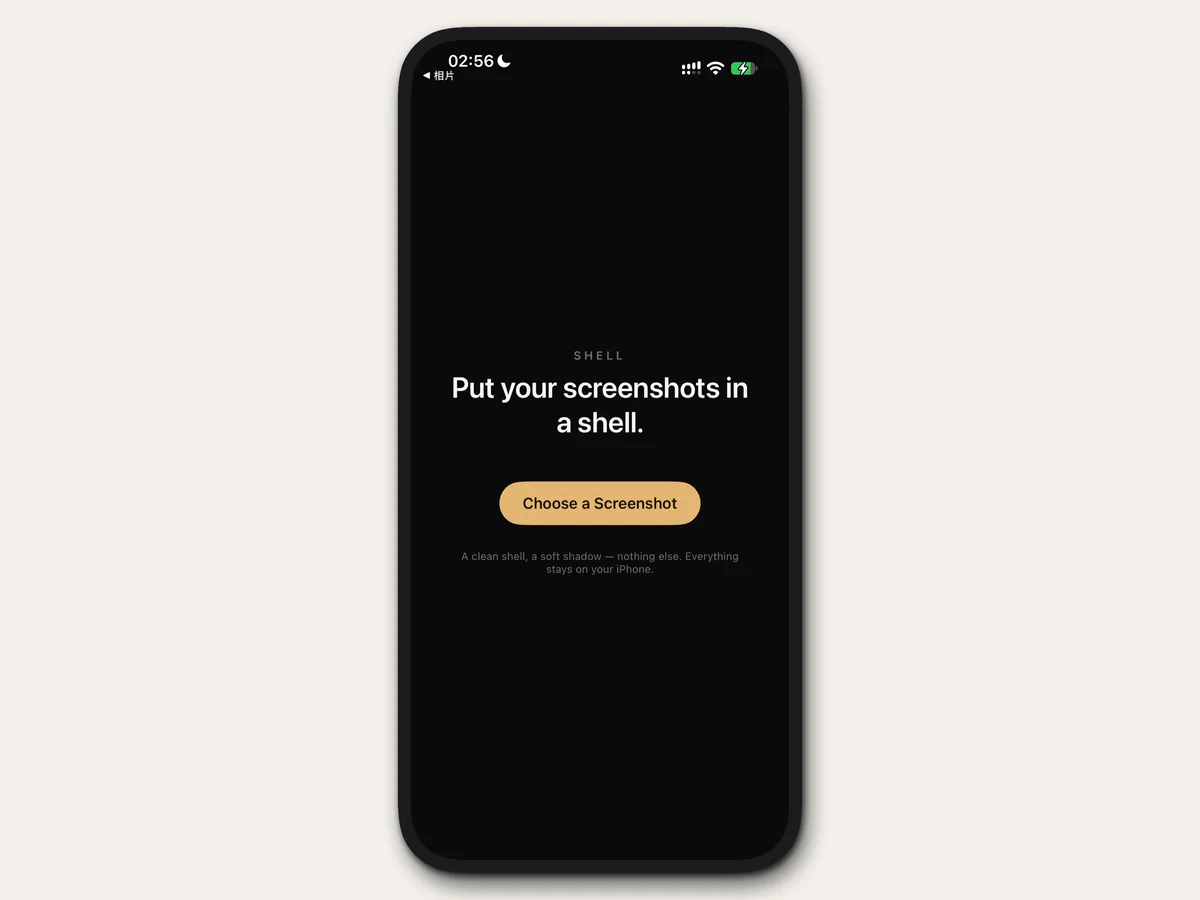
截图是产品最常被转发的形态,可它总带着操作系统的痕迹:灵动岛、侧键、压缩噪点。Screenshots are the most forwarded form a product takes, and they arrive carrying the operating system with them: Dynamic Island, side buttons, compression noise.
做法What I did
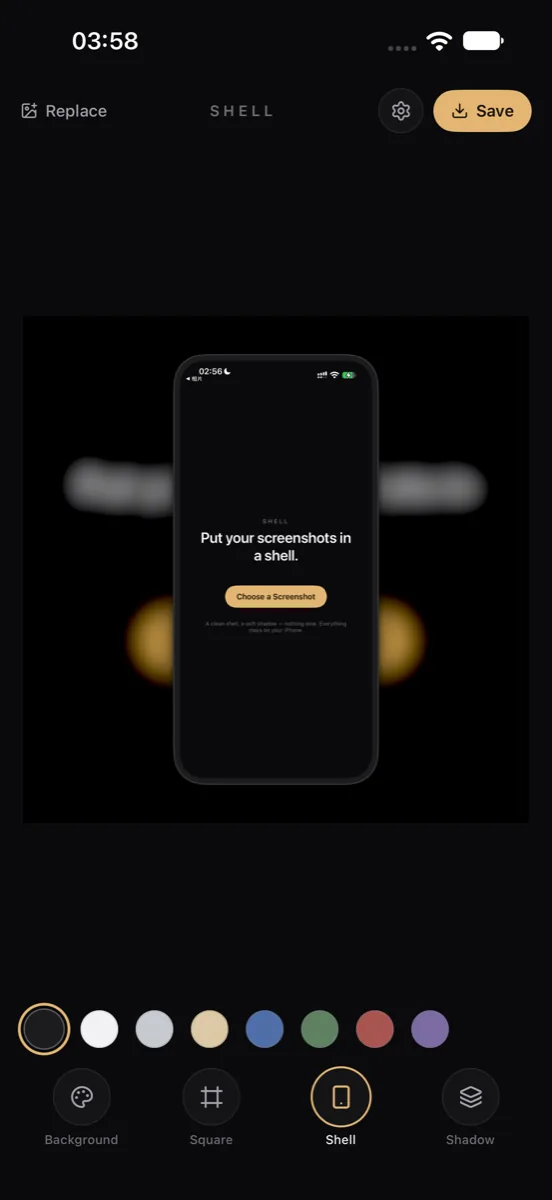
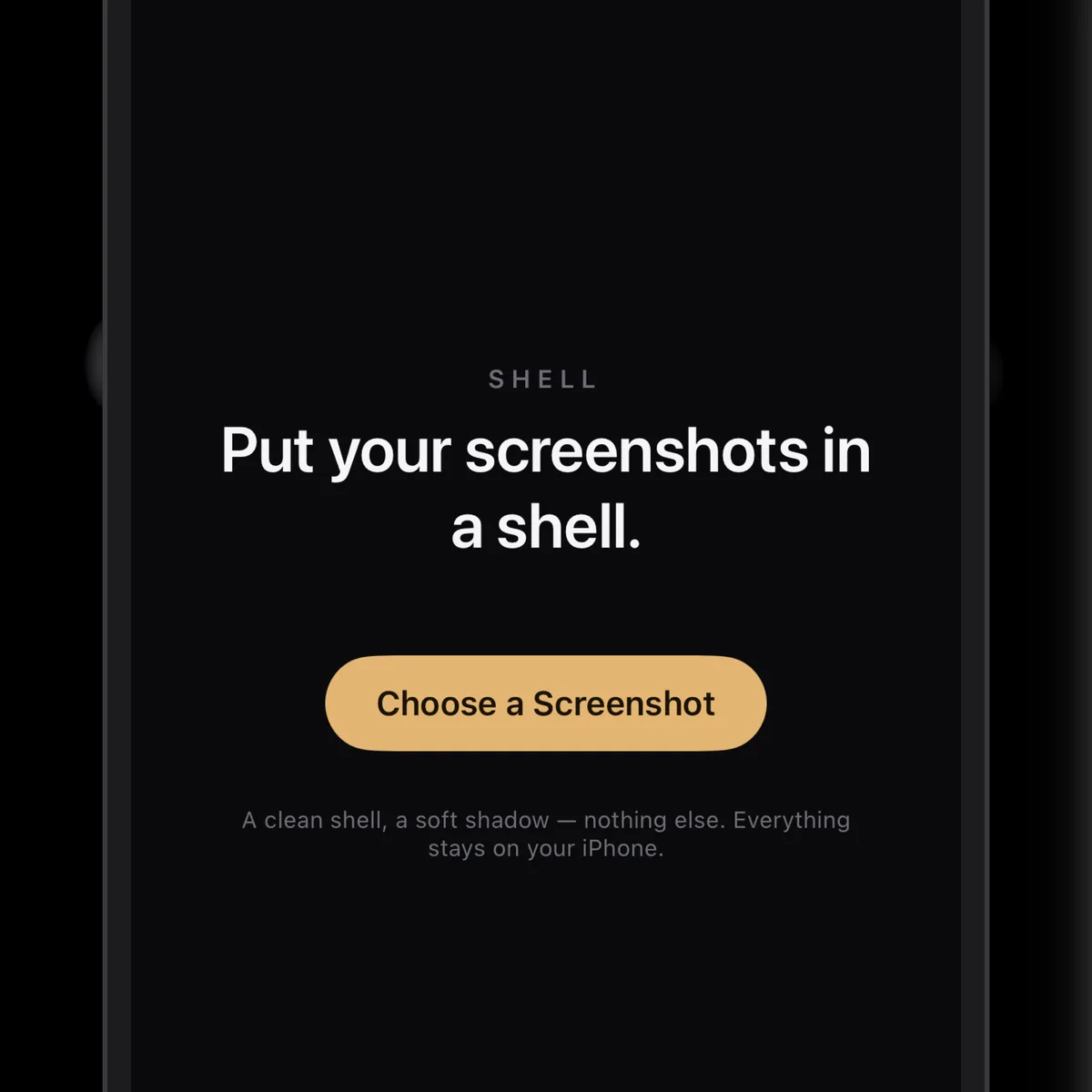
自建 Core Graphics 渲染器。机身做成纯平色,不带发丝边;非手机截图(横版、方图、照片)只做圆角与柔和阴影,Shell 工具直接置灰——不假装能套进去。尺寸按 App Store 的规格来,阴影分五种,背景可以是纯色、自身模糊、渐变,或四种炫彩磨砂网格。A Core Graphics renderer of its own. Shells are flat colour with no hairline edge; non-phone images — landscape, square, photographs — get only rounding and a soft shadow, and the Shell tool greys out rather than pretending. Sizes follow App Store specs, shadows come in five behaviours, and backgrounds range from flat colour to a blur of the screenshot itself, gradients, or four iridescent frosted meshes.
结果What changed
没有设置页:所有选项都是一行圆点,一次只有一条强调色。代价是选项多到需要横向滑动,第一次用会先愣一下。No settings screen: every option is a row of dots with one accent strip at a time. The cost is that the row is long enough to swipe, and the first use takes a beat.